Working from home offers flexibility, but it also presents challenges to staying focused. Without a dedicated, well-designed space, distractions can pile up, and your productivity can drop by as much as 20%. Creating an office environment that supports concentration and comfort is not just a luxury, it's a necessity for long-term success. This guide will walk you through practical steps to build a home office that works for you.
Choosing the Right Location
The first step is selecting the best spot in your home. A separate room is ideal, but not always possible. If you're working with a smaller space, consider a quiet corner in a living room or even a closet conversion. The key is minimizing foot traffic and noise. Placing your office far from the main living areas, especially the kitchen or TV room, can significantly reduce interruptions. Also, think about natural light. A window view can be motivating, but avoid direct sunlight that causes screen glare.
Ergonomics: Your Body Will Thank You
Ergonomics isn't just a buzzword, it's about preventing discomfort and injury. A poorly set up workstation can lead to back pain, neck strain, and carpal tunnel syndrome.
- Chair: Invest in an adjustable ergonomic chair. Look for features like lumbar support, armrests, and seat height adjustment. You should be able to sit with your feet flat on the floor (or a footrest) and your knees at a 90-degree angle.
- Desk: A desk that allows you to adjust its height, or a standing desk converter, gives you flexibility. Alternating between sitting and standing can improve circulation and reduce fatigue.
- Monitor: Position your monitor so the top third of the screen is at eye level. This prevents neck strain. If you use a laptop, an external monitor or a laptop stand is crucial.
- Keyboard and Mouse: Keep your wrists straight and relaxed. Consider an ergonomic keyboard and mouse if you spend many hours typing.
Lighting for Focus
Good lighting impacts mood and reduces eye strain. Relying solely on overhead lights can create shadows and glare.
- Natural Light: Maximize natural light. Position your desk perpendicular to a window to avoid direct glare on your screen or shadows on your work surface. Sheer curtains can diffuse harsh sunlight.
- Task Lighting: A good desk lamp is essential. Look for one with adjustable brightness and color temperature. A warm light (around 2700K-3000K) is calming, while a cooler light (4000K-5000K) can boost alertness.
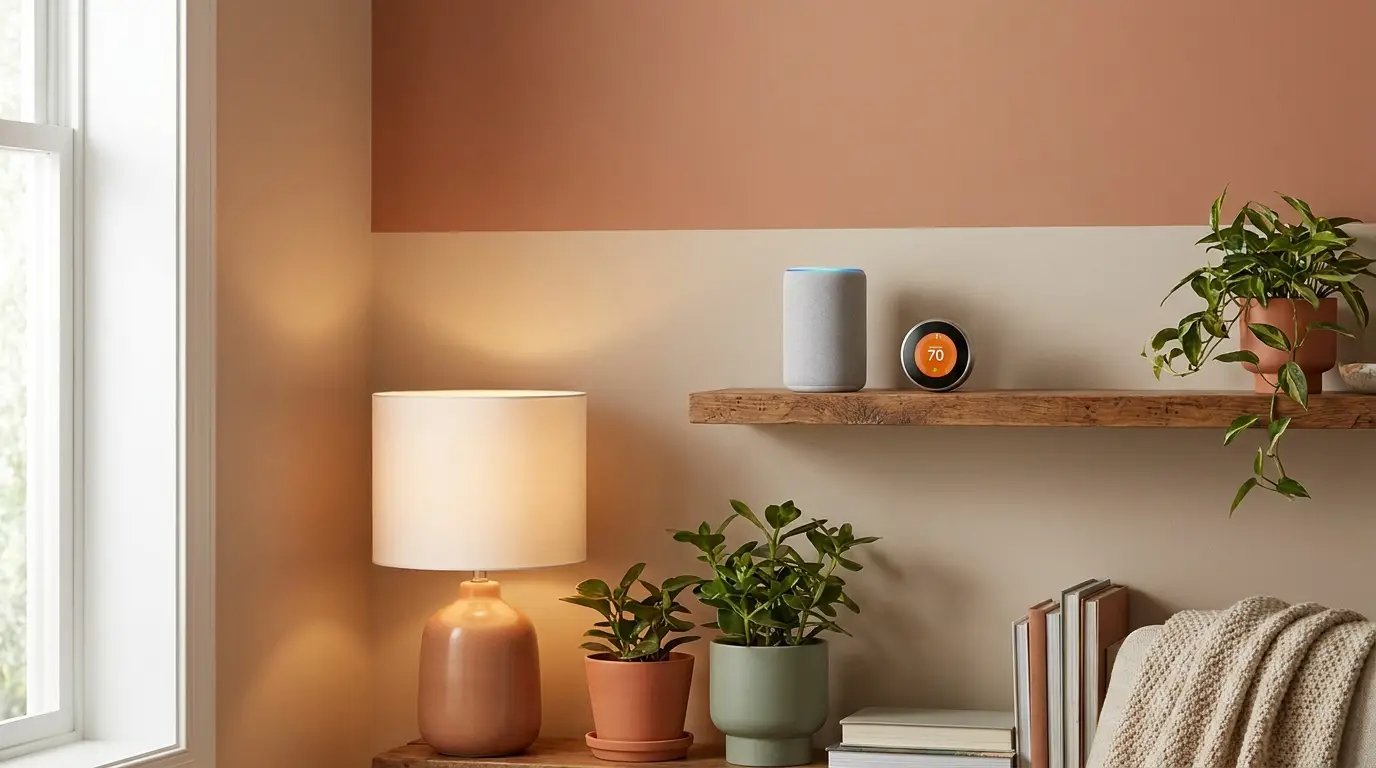
- Ambient Lighting: Supplement with soft ambient lighting, like a floor lamp, to reduce contrast between your screen and the surrounding environment. This helps prevent eye fatigue. You might even explore best smart lighting systems to adjust brightness and color throughout the day.
Taming the Tech and Cables
A cluttered workspace is a cluttered mind. Managing cables is crucial for both aesthetics and safety.
- Cable Management: Use cable ties, sleeves, or a cable management box to keep cords organized and out of sight. Adhesive clips can secure cables to the underside of your desk.
- Power Strips: Opt for a surge protector with multiple outlets and ample space for bulky adapters. Mount it under your desk for easy access and a cleaner look.
- Connectivity: Ensure reliable Wi-Fi. If possible, use an Ethernet cable for a more stable and faster connection, especially for video calls or large file transfers.
Noise Control Strategies
Even in a quiet home, unexpected noises can break your concentration.
- Sound Absorption: Soft furnishings like rugs, curtains, and upholstered furniture absorb sound. Consider acoustic panels if noise is a major issue.
- Door and Window Seals: Weatherstripping around doors and windows can block outside noise.
- Background Noise: Sometimes, a little background noise helps. White noise machines or ambient sound apps can mask distracting sounds. Noise-canceling headphones are also a great immediate solution.
Organization and Storage
A well-organized office means less time searching for items and more time working. Think about how you use your space and what you need close at hand.
- Vertical Storage: Shelves, wall-mounted organizers, and drawer units save valuable desk space. For example, if you're working with tools or craft supplies, ideas from best garage storage solutions can be adapted for smaller office items.
- Declutter Regularly: Designate a specific spot for everything. At the end of each workday, take 5-10 minutes to put things back in their place.
- Digital Organization: Don't forget your digital space. A tidy desktop and organized cloud storage are just as important as physical tidiness.
Pro Tip for Daily Setup: Before starting work, ask yourself:
- Is my chair adjusted correctly for my posture?
- Is my monitor at eye level and free of glare?
- Are all essential tools (pens, notebook, water bottle) within easy reach?
- Is the lighting adequate and comfortable?
- Are there any immediate distractions I can eliminate?
By thoughtfully designing your home office, you create an environment that supports your work, not hinders it. Small changes can lead to big improvements in your daily productivity and overall well-being. Start with one or two adjustments this week and observe the difference.